

Mooer Micro Looper Guitar Effects Pedal
Mooer Micro Looper Guitar Effects Pedal
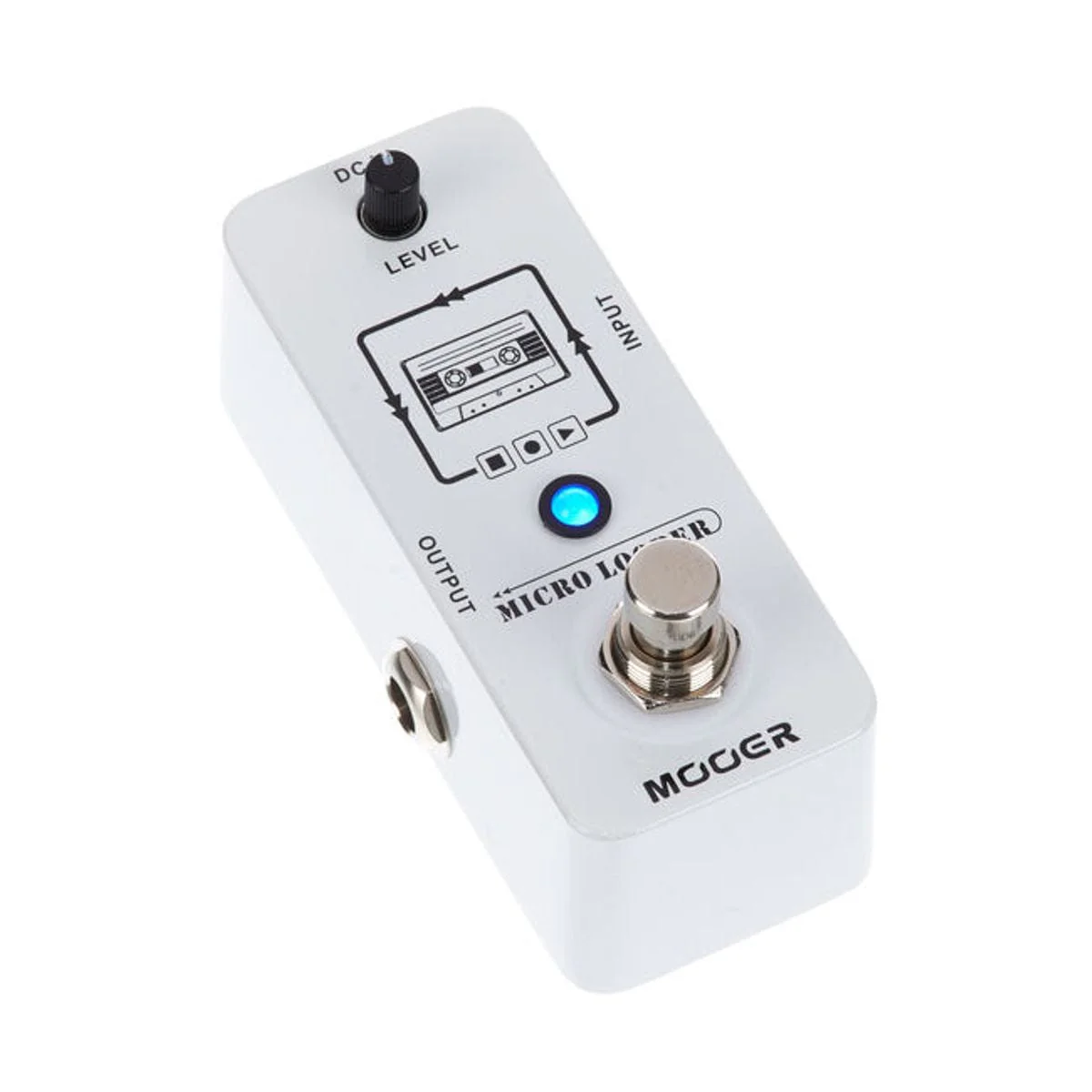
MICRO LOOPER inherits the MINI size of MICRO SERIES. Record, playback, stop, overdub and delete, all these functions can be controlled by one single footswitch. This gives you an easy and direct operation experience. MICRO LOOPER has up to 30 minutes of recording time and unlimited overdubbing times. You can focus on your music and need not to worry about other troubles.
MICRO LOOPER Operation
How to record Loops/overdub
To start recording, press the footswitch once,the LED will be lit in RED, indicating Micro Looper is in Record mode. To switch to playback,press the footswitch again to quit Record mode. The LED will turn BLUE,and start playback.
You can record another loop based on the original loop(Overdub), press the footswitch while the original loop is playing back,the LED will turn RED, indicating Micro Looper is in Record mode again. Press the footswitch once again to quit Record mode. The LED will turn BLUE. Micro Looper will playback both the original loop and the newly added overdub recording.
Original: $93.76
-65%$93.76
$32.82Product Information
Product Information
Shipping & Returns
Shipping & Returns
Description
Mooer Micro Looper Guitar Effects Pedal
MICRO LOOPER inherits the MINI size of MICRO SERIES. Record, playback, stop, overdub and delete, all these functions can be controlled by one single footswitch. This gives you an easy and direct operation experience. MICRO LOOPER has up to 30 minutes of recording time and unlimited overdubbing times. You can focus on your music and need not to worry about other troubles.
MICRO LOOPER Operation
How to record Loops/overdub
To start recording, press the footswitch once,the LED will be lit in RED, indicating Micro Looper is in Record mode. To switch to playback,press the footswitch again to quit Record mode. The LED will turn BLUE,and start playback.
You can record another loop based on the original loop(Overdub), press the footswitch while the original loop is playing back,the LED will turn RED, indicating Micro Looper is in Record mode again. Press the footswitch once again to quit Record mode. The LED will turn BLUE. Micro Looper will playback both the original loop and the newly added overdub recording.